DS2002 Data Science Systems
Course materials and documentation for DS2002
HPC Access
The UVA High Performance Computing (HPC) systems (Rivanna and Afton) are accessible through a web portal, secure shell terminals, or a remote desktop environment. See the official documentation.
Service Unit Allocation: The course is using the ds2002 allocation. You will need to enter ds2002 in the allocation field when requesting access to an interactive Open OnDemand session (like Code Server (VSCode), JupyterLab, Desktop), or when submitting compute jobs (you’ll learn about this in Module 3).
Login via Web Browser
Open OnDemand is a graphical user interface that allows access to HPC via a web browser. The Open OnDemand access point is ood.hpc.virginia.edu. Within the Open OnDemand environment users have access to a file explorer; interactive applications like JupyterLab, RStudio Server & FastX Web; a command line interface; and a job composer and job monitor to submit jobs to the Rivanna and Afton clusters. Detailed instructions can be found on the Open OnDemand documentation page.
Step 1: Start Open OnDemand
To start the Open OnDemand web client, go to https://ood.hpc.virginia.edu. Your login is your UVA computing ID and your password is your Netbadge password.
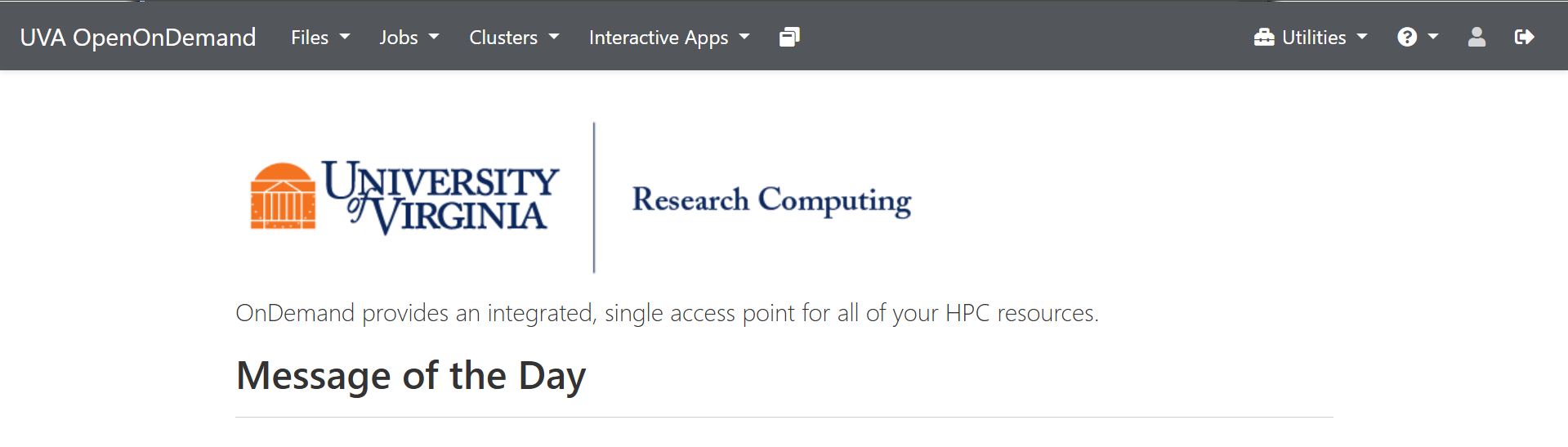
Proceed with one of these options:
Step 2a: VSCode
- On the top right of the menu bar of the Open OnDemand dashboard, click on
Interactive Apps. - In the drop-down box, click on
Code Server(that’s VSCode).
Enter ds2002 in the allocation field.
The form should look like this:
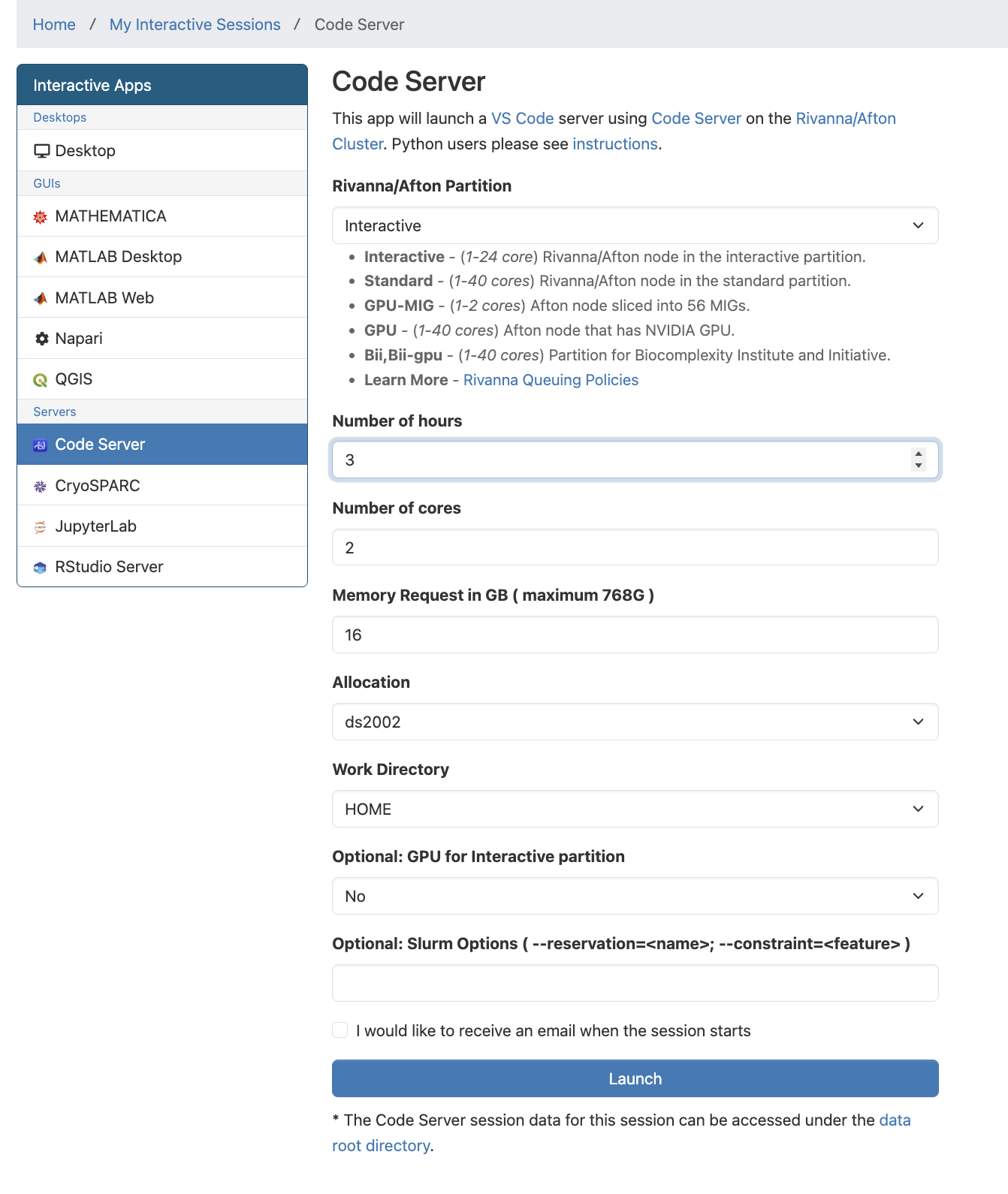
After you click Launch it may take a few minutes to start up. This is expected as we are sharing the cluster with hundreds of other users.
When ready, click the Connect to VSCode button.
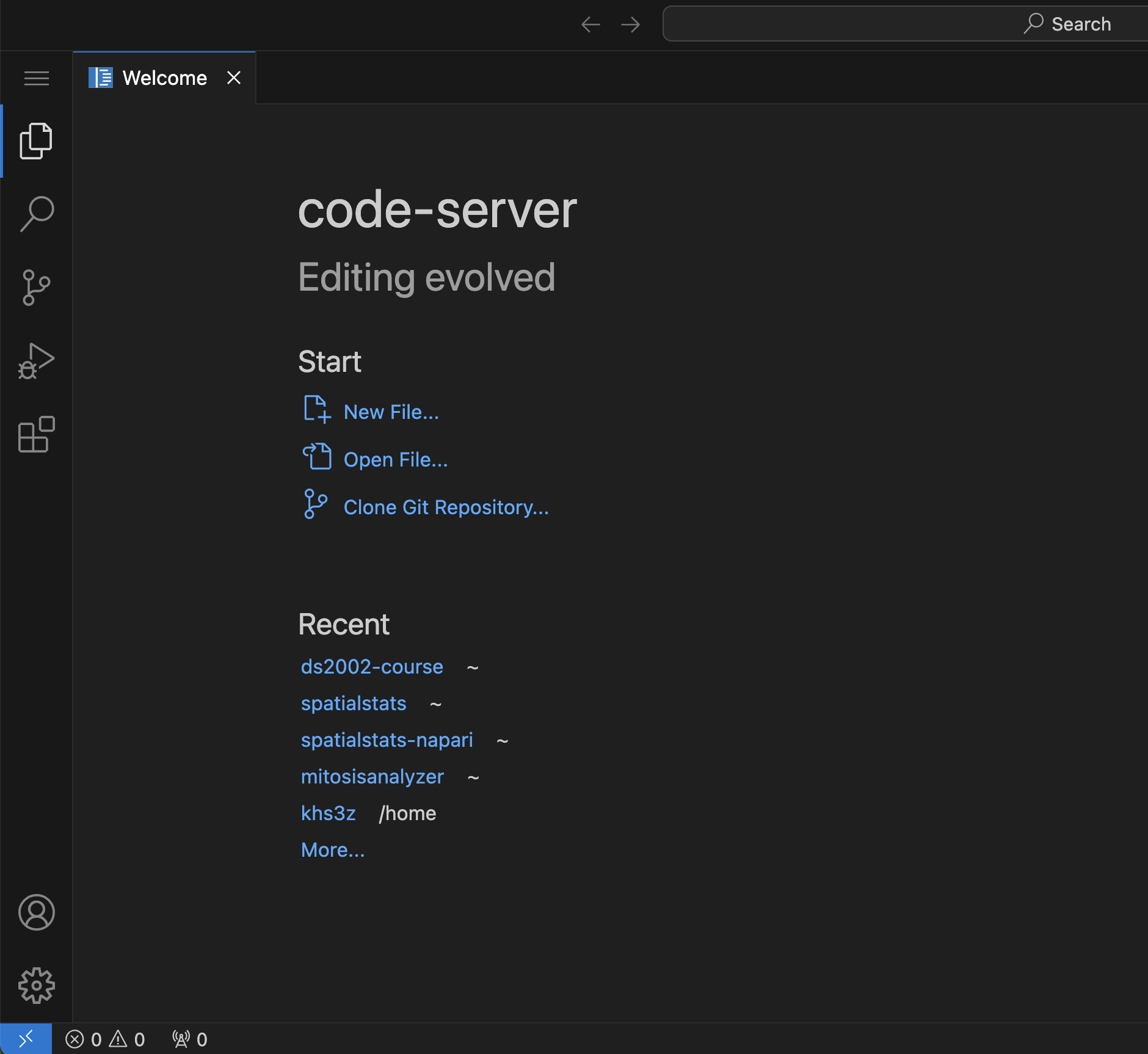
If this is your first time using VSCode on UVA’s HPC system, click Clone GitHub repository in the Welcome window and follow the instructions. Use the url for your fork of the course repository, and authorize connection to GitHub. When asked, choose your home directory on the cluster (/home/YOUR_COMPUTING_ID) as destination for the cloned repo.
Python Setup
If this is your first time using VSCode on UVA’s HPC system, follow these steps to set up your Python environment:
-
In VSCode switch to the top level folder
ds2002-courseof your repository (File>Open Folder). -
Open a terminal in VSCode. Confirm with
pwdthat you’re at the top level of your Git repo. -
Run the following commands to set up a new Python environment:
module load miniforge
mamba env create -f environment.yml
This will create a new Python environment named
ds2002. This environment is isolated from other Python installation on the cluster.
Note: In order to use the new Python environment you have to run these commands in the terminal:
module load miniforge
source activate ds2002
Step 2b: JupyterLab
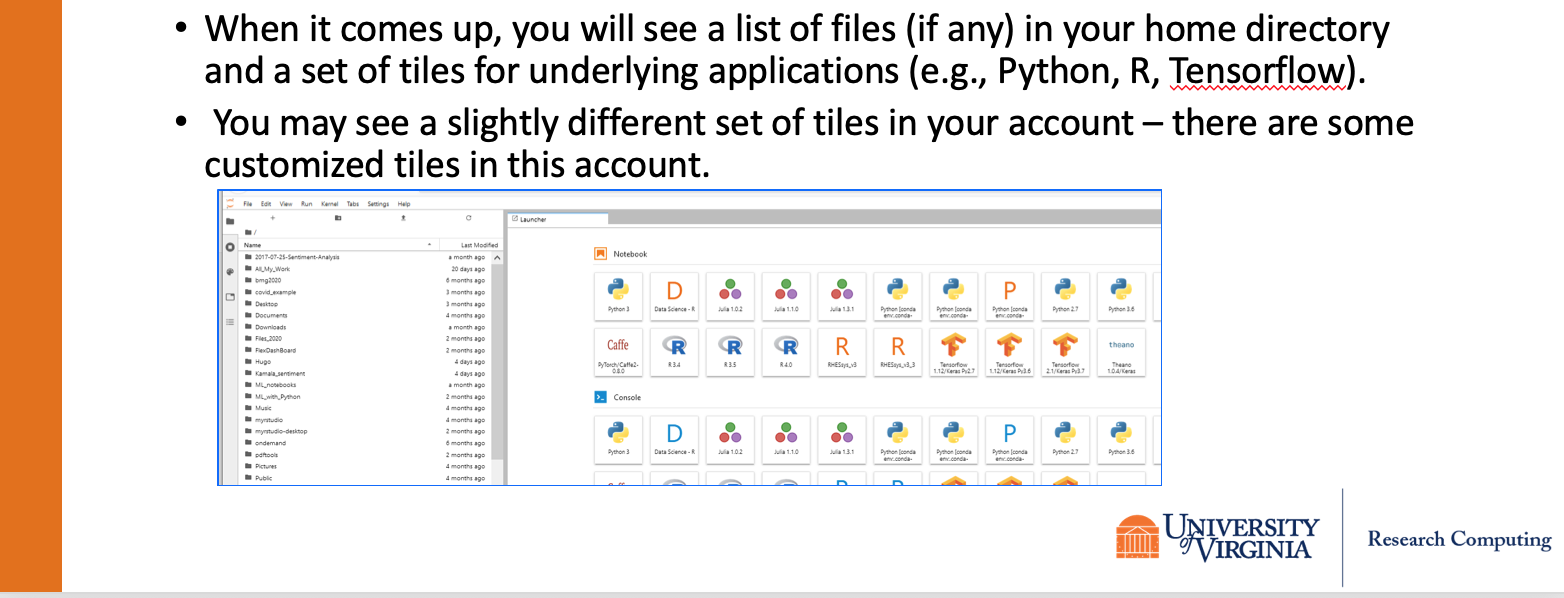
Follow the Open OnDemand JupyterLab instructions.
Enter ds2002 in the allocation field.
The form should look like this:
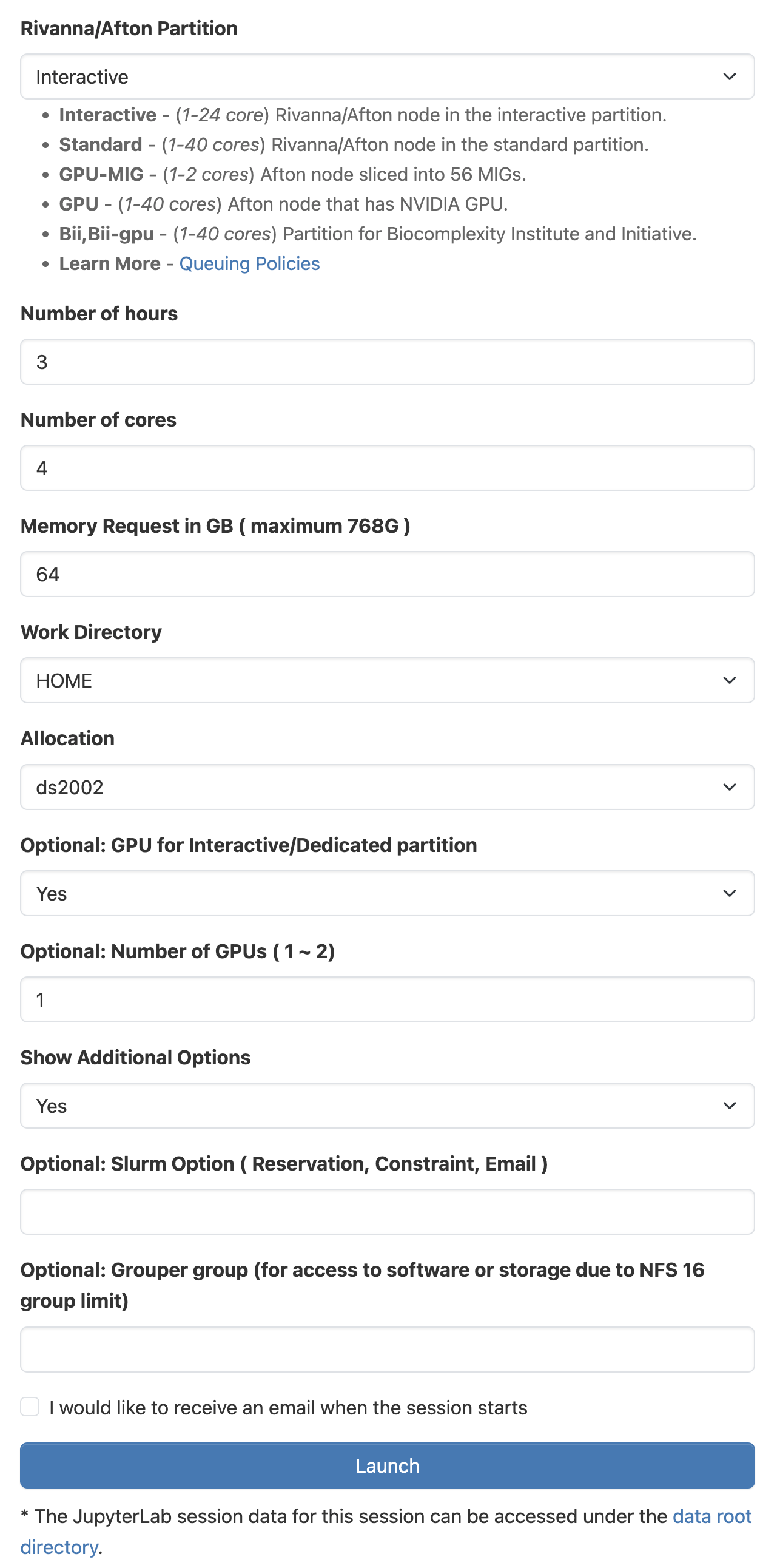
After you click Launch it may take a few minutes to start up. This is expected as we are sharing the cluster with hundreds of other users.
Step 2c: Linux Desktop
Follow the Open OnDemand Desktop instructions.
Enter ds2002 in the allocation field.
After you click Launch it may take a few minutes to start up. This is expected as we are sharing the cluster with hundreds of other users.
